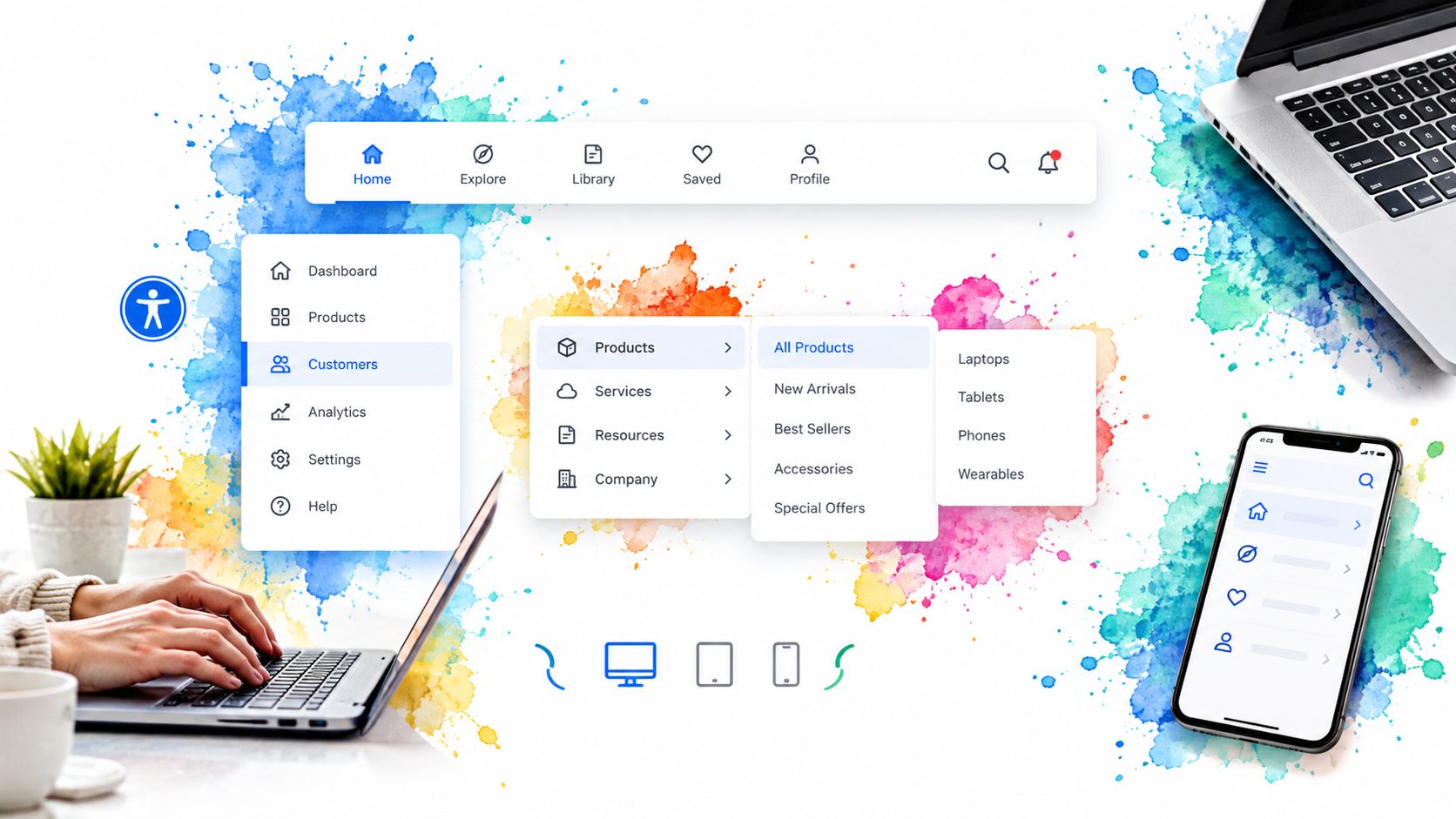
A keyboard user tabs into your mega menu, opens the first category, then loses focus before reaching the second column. On mobile, the same menu collapses into a drawer that looks fine but leaves hidden links in the tab order. The usual fix isn’t prettier styling. It’s choosing a navigation pattern whose focus management, ARIA behaviour and responsive collapse model match the product from the start.
This list ranks seven practical options for nav bars for websites by what they cost to build, style and keep accessible in a modern Vue or React and Tailwind stack. The comparison favours implementation detail over attractive screenshots: keyboard flow, submenu behaviour, mobile disclosure, framework fit and how much code your team must own. For broader API and interface work, see this Openbase API overview.
Table of Contents
- 1. Headless UI by Tailwind Labs
- 2. Radix UI Primitives
- 3. Navigation with App Navigation Builder
- 4. shadcn/ui
- 5. PrimeVue
- 6. MUI Material UI
- 7. Bootstrap
- Top 7 Website Nav Bar UI Comparison
- Pick the Navigation Pattern Your Team Can Maintain
1. Headless UI by Tailwind Labs
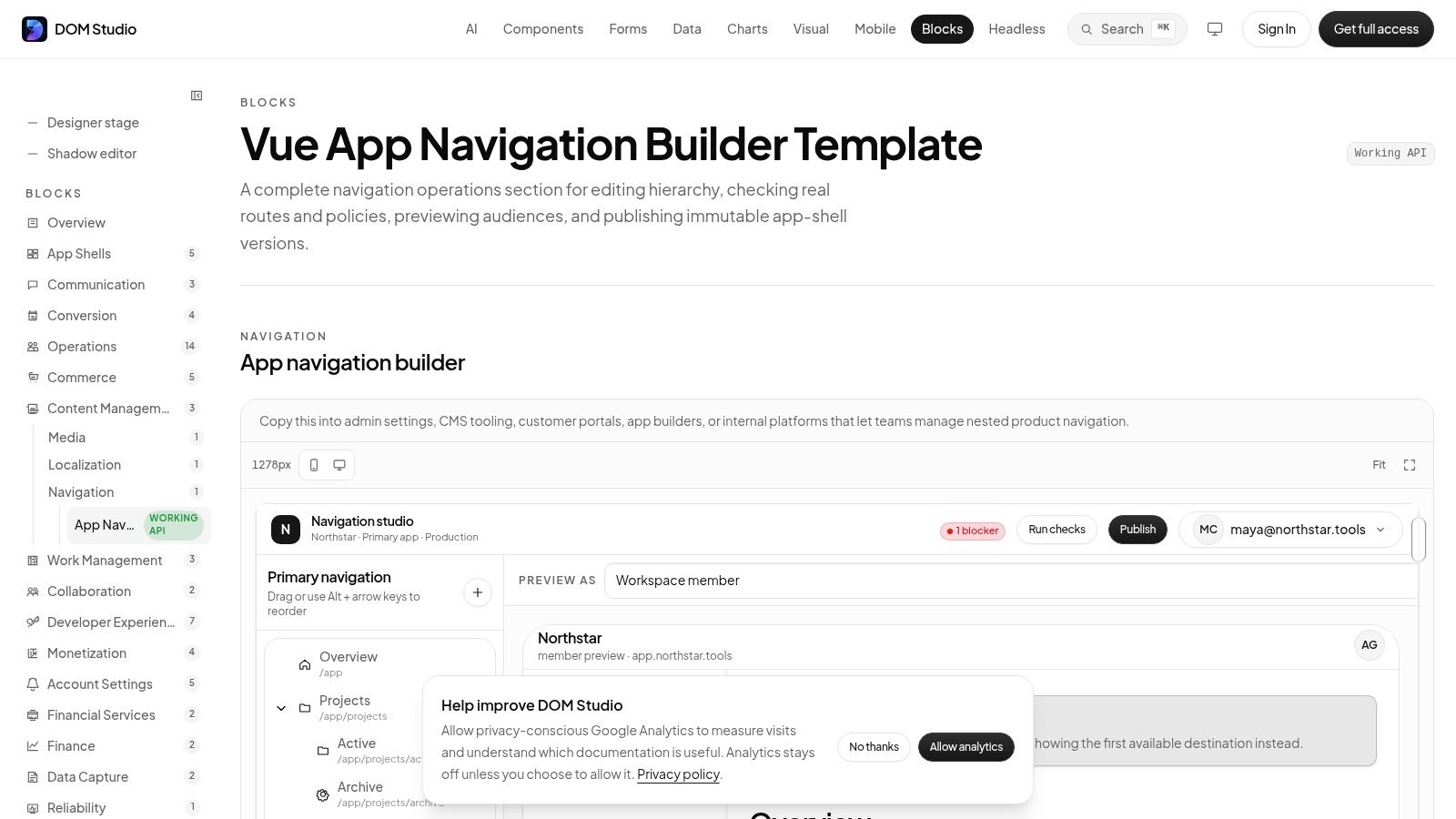
Headless UI suits teams building a bespoke Tailwind design system for Vue or React. Its unstyled, renderless components include Menu, Popover, Disclosure and Transition, so you choose the header markup, layout and visual language instead of adapting a prebuilt navbar.
That control works well for a marketing site with a custom mega menu or a product header that shares design tokens with the rest of the interface. The components provide focus management and ARIA attributes, but your team decides how desktop navigation collapses on smaller screens. The same architecture may become a drawer, a disclosure list or a separate mobile navigation, with each option affecting focus order and testing effort.
What you still need to build
Headless UI does not provide one finished navbar. A practical setup often combines Popover or Menu for desktop interactions with Disclosure for mobile sections. You still need to define where focus moves when a panel opens, where it returns on close and whether pointer hover should open a panel. Your team also owns that architecture, which is easier when content lives in a headless CMS web development setup rather than hardcoded markup.
The Headless UI component library guide helps compare this compositional approach with more opinionated libraries. It fits best when the project already uses Tailwind and the team tests keyboard paths, Escape behaviour and mobile collapse instead of checking only the visual result.
Practical rule: Treat the mobile pattern as a separate interaction model, not a desktop menu squeezed into a narrow viewport.
Best fit: Vue or React teams building a custom design system with Tailwind.
Main trade-off: You gain precise styling control and strong accessibility foundations, but the final navigation behaviour remains yours to implement and maintain. Review the Headless UI documentation before choosing the component composition.
2. Radix UI Primitives
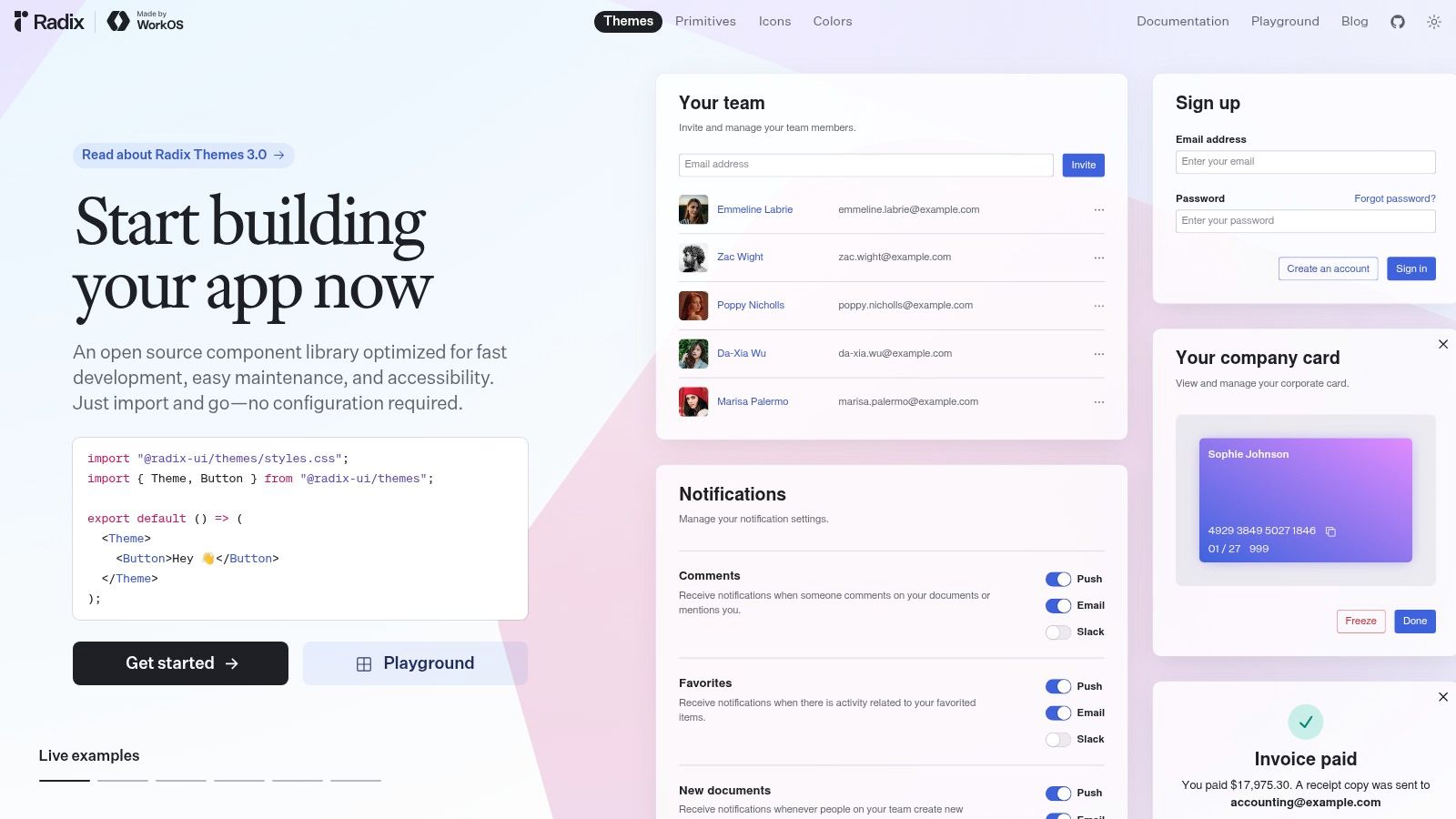
Radix UI is a better fit for React teams that want low-level primitives with particularly careful interaction behaviour. Its NavigationMenu is designed for website navigation, while Menubar supports application-style menu structures. Both can form the basis of flyouts, nested panels and larger navigation systems without imposing a visual theme.
The important distinction is that Radix gives you a behaviour layer, not a finished header. You supply the layout, spacing, colours, responsive breakpoints and panel styling. That separation makes it easy to integrate with Tailwind or an existing design system, but it also means the implementation needs someone who understands the difference between a link, a disclosure button and an application menu item.
Where Radix earns its place
Keyboard interaction is the main reason to choose Radix. Its primitives provide established roles, focus behaviour and keyboard handling, reducing the amount of interaction logic you need to invent. That matters when a flyout opens from either focus or pointer input and must remain predictable when the user moves between trigger, panel and adjacent items.
The cost is framework scope. Radix UI is React-focused, so a Vue team will need a different foundation. Styling also remains your job, including the mobile collapse. A desktop NavigationMenu shouldn’t automatically become a mobile drawer without an explicit small-screen design.
Use it when React is fixed, design control matters and the team wants a dependable primitive rather than a large visual framework. The Radix UI website documents the relevant navigation primitives and their composition model.
Good choice for: React design systems, custom mega menus and teams that want to own every visual decision.
Watch closely: Test focus restoration after closing a submenu, especially when the trigger is removed or the route changes.
3. Navigation with App Navigation Builder
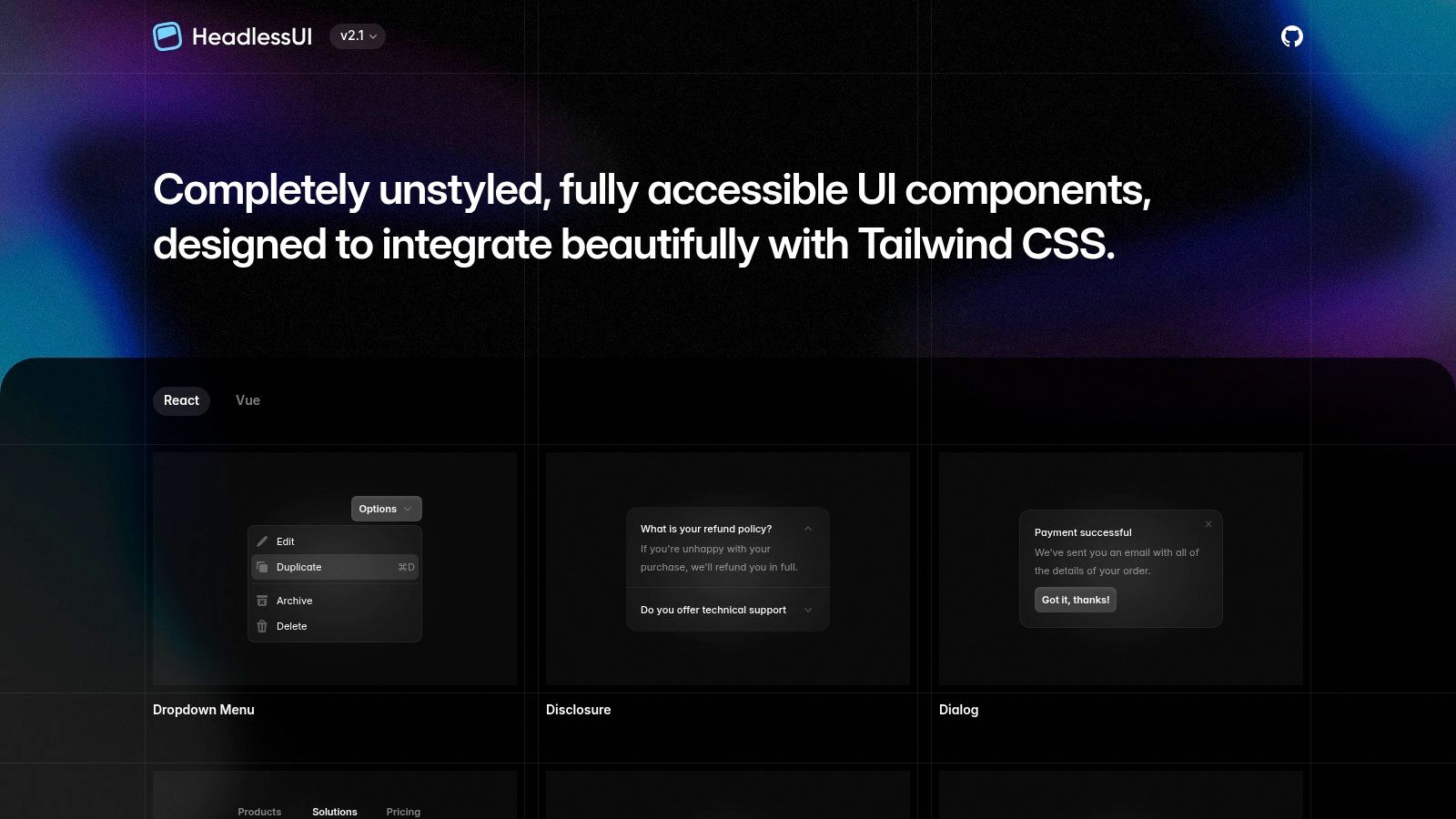
DOM Studio’s App Navigation Builder is aimed at teams shipping application navigation rather than only a simple marketing header. It brings together top bars, sidebars, nested menus, command palettes and mobile drawers, so the navigation model can grow with an authenticated product.
The useful part is the layered architecture. Headless, standards-based web component primitives provide framework-agnostic behaviour, while the Vue integration adds reactive props, v-model support and slots. Tailwind CSS 4 handles the visual layer, which keeps the components practical for teams already working with utility classes.
A compact foundation for app shells
The builder includes built-in WAI-ARIA roles, focus management and keyboard handling. That doesn’t remove the need for testing, but it means the baseline isn’t a collection of ad hoc click handlers. A mobile drawer can expose its state, keep focus within the active interaction and return focus to the invoking control when it closes.
The primitives are tree-shakeable, with individual modules averaging under 2 KB gzipped, according to the product information supplied for the library. That small module shape is useful when a navigation system includes only a sidebar and disclosure menu rather than the entire catalogue. The framework-agnostic elements also make the behaviour reusable beyond Vue, while Vue wrappers keep common application wiring concise.
DOM Studio adds embedded documentation, inspector hints and Studio specs to make components AI-editable and easier for teammates to inspect. Visual Blocks support consistent theming, while the Pro tier adds blueprints and real application templates for more complex navigation layouts.
Use a command palette as a complement, not an excuse to hide the information architecture.
The trade-off is a modest learning curve for teams new to web components, headless primitives or ARIA patterns. Some advanced blueprints and complete templates also require Pro. For Vue and Tailwind teams that want accessible navigation without rebuilding every primitive, the App Navigation Builder offers the most direct route in this list.
Best fit: Vue product teams, Tailwind applications and framework-agnostic component systems.
4. shadcn/ui
shadcn/ui takes a different ownership model. Instead of installing a closed component package and treating its API as a boundary, you add source code to your repository and adapt it. Its navigation patterns are built around Radix UI and Tailwind, with Navigation Menu examples, navbar variants and sidebar or sheet combinations.
That approach makes shadcn/ui attractive when a team wants a polished starting point but expects to change the markup. You can adjust the breakpoint, replace the mobile sheet, alter the trigger structure or connect navigation state to a router without waiting for a library maintainer.
Ownership reduces one cost and adds another
Owning the source makes debugging straightforward. When a submenu fails to close or a mobile panel leaves focus behind, the relevant code sits in your repository. You can fix it directly and align conventions with the rest of the application.
The downside is maintenance. Once your team changes the copied implementation, future improvements won’t arrive automatically. Community blocks can also vary in naming, state management and quality. The shadcn alternatives for Vue developers are relevant if your project isn’t React-based, because shadcn/ui has no official Vue support.
Build it carefully: Keep links as links, use buttons for disclosure controls and ensure collapsed content is not reachable through Tab. On mobile, test the complete sequence from menu button to submenu, destination and return to the triggering control.
shadcn/ui is a strong React option when speed and editability matter more than a centralised package boundary. Check the shadcn/ui component collection for the current navigation patterns, then treat the copied code as production code your team owns.
5. PrimeVue
PrimeVue is the pragmatic choice for Vue teams that want ready-made navigation components rather than a collection of low-level primitives. It includes Menubar, MegaMenu, Sidebar and TieredMenu, covering both public website headers and application shells.
The benefit is speed. A team can start with a known component, provide nested items and theme the result without designing every interaction from an empty file. The sidebar and tiered menu patterns are particularly useful when a desktop header becomes a mobile navigation panel, although the responsive composition still needs deliberate testing.
Faster delivery, less visual freedom
PrimeVue’s examples and theme system can shorten implementation time. It also gives Vue developers a broad set of related components, so menus, drawers and other controls are likely to share a consistent API and visual treatment.
The trade-off appears when the design is highly bespoke. You may spend time overriding component styles, reshaping internal spacing or working around assumptions made by the theme. Review the current commercial terms before adoption because newer versions use the commercial PrimeUI model in 2026. Your team should confirm the licence for the exact version and deployment context.
The Vue component libraries comparison can help place PrimeVue beside more headless Vue options. For a conventional navigation system with nested categories and a responsive sidebar, PrimeVue is efficient. For a small, brand-led header where every DOM detail matters, a headless library may leave less cleanup.
Choose PrimeVue when: Vue-native components, examples and an established theme system matter more than absolute markup control.
Find the current component API and terms on the PrimeVue website.
6. MUI Material UI
MUI works best when navigation is part of a broader React application that already uses Material Design. Its AppBar, Toolbar, Drawer and Menu components combine into familiar patterns for branding, primary links, account controls, search and responsive side navigation.
The implementation cost is low for a conventional application shell. You get documented component APIs, a mature theme system and a large ecosystem that extends beyond the header. A team building a data-heavy product can keep the navigation, layout and application controls within one design language rather than combining unrelated libraries.
The visual system is also the constraint
MUI’s Material defaults are opinionated. That’s an advantage when the product wants that language, but a cost when the design calls for a quiet editorial header, unusual hover states or a fully custom mega menu. Overriding the surface styling is manageable. Replacing the underlying interaction assumptions can take more work than the initial component setup suggests.
Build the responsive path explicitly. The desktop AppBar doesn’t determine whether mobile should use a Drawer, a disclosure list or a reduced set of links. Check that the drawer’s focus behaviour, close button and escape handling work independently of pointer input, then verify that route changes don’t leave the old panel active.
MUI is React-only, so Vue teams should look elsewhere. React teams that value ecosystem breadth and a coherent application framework can review the MUI documentation and prototype the header using real routes rather than a static showcase.
Best fit: Enterprise React applications with Material Design, theming requirements and a wider component ecosystem.
7. Bootstrap
Bootstrap remains a practical option when the team values familiarity over fine-grained composition. Its Navbar includes a brand area, responsive collapse, dropdown integration and utility classes, so a conventional header can be assembled quickly with standard markup.
That simplicity is its strength. Developers can find examples, CSS conventions and troubleshooting advice across a broad ecosystem. A project with an existing Bootstrap foundation won’t need a second navigation system just to support a mobile toggle.
Check the plugin behaviour, not only the markup
Bootstrap’s collapse and dropdown interactions rely on JavaScript plugins. That isn’t a problem in itself, but it creates a boundary worth testing. Confirm that the toggler exposes its expanded state, collapsed links aren’t keyboard reachable while hidden and dropdown focus behaves correctly when the user opens and dismisses it with the keyboard.
The default styling is recognisable and often opinionated. You can theme it with CSS variables and utility classes, but highly bespoke navigation can become a long sequence of overrides. A multi-column mega menu may be easier to maintain as custom markup than as a heavily modified set of nested dropdowns.
Use Bootstrap for common headers, content sites and teams that need a well-known foundation. Don’t select it solely because the first example renders quickly. Test the mobile collapse with the same seriousness as a custom component, then review the Bootstrap Navbar documentation for the current markup and plugin expectations.
Top 7 Website Nav Bar UI Comparison
| Component | Implementation Complexity 🔄 | Resource Requirements ⚡ | Expected Outcomes 📊 | Ideal Use Cases 💡 | Key Advantages ⭐ |
|---|---|---|---|---|---|
| Headless UI (by Tailwind Labs) | Medium–High, assemble renderless primitives yourself | Low runtime cost; moderate dev time for composition | Pixel-perfect, accessible navs when fully implemented | Tailwind-based projects needing bespoke navs | Accessible, Vue+React support, strong docs |
| Radix UI (Primitives) | Medium, low-level React primitives require styling | Low bundle impact; styling/theming work required | Robust a11y and keyboard UX with full design control | React apps that prioritize accessibility and custom design | Excellent accessibility defaults; stable API |
| Navigation - App Navigation Builder (DOM Studio) | Low–Medium, ready primitives + Vue sugar; modest learning curve | Very lightweight (modules ≈2KB gzipped); framework-agnostic | Production-ready, accessible navs with inspectable/docs | Vue + Tailwind teams wanting fast, production navs and templates | Accessibility-first, tiny modules, AI-editable docs & templates |
| shadcn/ui | Low, prebuilt, copy-and-own React patterns | Moderate, ships source code to edit; React-only | Fast, polished navs that are fully editable in your repo | React teams wanting production-ready patterns to customize | Drop-in navbar variants, integrates with Radix & Tailwind |
| PrimeVue (Vue) | Low, plug-and-play Vue components | Moderate, full UI library; check commercial licensing | Complete Vue navigation components and theming | Vue apps needing ready-made Menubar/MegaMenu/Sidebar | Vue-native nav blocks, many examples and templates |
| MUI (Material UI) | Low, prebuilt AppBar/Toolbar patterns | Moderate, comprehensive theming; React-only | Cohesive Material-styled headers and enterprise-ready UI | React teams adopting Material Design and extensive ecosystem | Mature ecosystem, strong docs, pro-grade components |
| Bootstrap | Low, conventional Navbar with clear patterns | Low, CSS-first; JS needed for interactive parts | Standard responsive navs implemented quickly | Projects favoring convention-over-configuration and speed | Familiar, well-documented, broad community support |
Pick the Navigation Pattern Your Team Can Maintain
Start with the current implementation, not a library shortlist. Use only the keyboard and move through the logo, primary links, dropdown triggers, submenu items, search, account controls and mobile toggle. If focus disappears, lands inside hidden content or returns to the wrong control, the problem is structural. Changing the colour or adding another breakpoint won’t fix it.
Then shortlist two patterns that match both your framework and your desired level of design ownership. React teams might compare Radix UI, shadcn/ui and MUI. Vue teams can weigh Headless UI, PrimeVue and DOM Studio’s App Navigation Builder. A framework-agnostic product may prefer standards-based web components so the interaction model isn’t tied to a single rendering layer.
Prototype the mobile collapse first. It exposes the hard decisions early: whether nested sections disclose in place, whether the panel behaves as a drawer, whether search stays visible and whether the user can reach the most important destinations without traversing a desktop mega menu. A compact header isn’t automatically better. The Home Office navigation guidance emphasises multiple routes such as menus, search, sitemaps and thematic categories, which can reduce repeated tabbing in complex information architectures.
UK evidence also shows why visual approval isn’t enough. The Government Digital Service monitored 1,203 public-sector websites and 21 mobile apps between January 2022 and September 2024, identifying recurring issues with keyboard access, visible focus and colour contrast. Overall compliance reached 70%, up from 59%, while 743 of 880 accessibility issues were resolved. These figures are reported in the GDS accessibility monitoring report. Treat them as a reminder that navigation quality improves through systematic testing, not a one-time component choice.
Finally, test focus order with a screen reader before you commit. Check keyboard opening, escape dismissal, submenu state announcements, focus restoration and route changes. The best nav bar for websites is the one your team can keep understandable, responsive and accessible as the site grows. For teams working across web and app interfaces, these principles also complement guidance on how to improve React Native navigation.
DOM Studio gives Vue and front-end teams accessible menu, mobile navigation, drawer and command-palette primitives with built-in focus management, keyboard handling and Tailwind CSS 4 theming. Explore DOM Studio to prototype a navigation system your team can inspect, adapt and maintain in production.