
TL;DR
For a Vue data grid, choose by workflow rather than headline row count. DOM Studio fits teams that want editable source and typed filters; AG Grid offers a broad ready-made grid with a Community/Enterprise boundary; PrimeVue fits a styled Vue suite; TanStack Table gives us headless table logic; RevoGrid emphasizes virtualized, spreadsheet-like interaction; Handsontable is worth testing when the interface should behave like a spreadsheet. Prototype your hardest edit, remote query, and keyboard path before committing.
A customer directory and a spreadsheet may both display rows and columns, but they impose different contracts on the team maintaining them. We have selected six documented options for Vue developers building production application screens, including our own grid. This is a Medium-length comparison, not a benchmark: the right answer depends on who owns filtering, what users can edit, and how much visual and behavioral control your team needs.
Table of contents
- When do we need a data grid instead of a table?
- How we selected and assessed these options
- 1. DOM Studio DomDataGrid: Best for editable product UI and typed filters
- 2. AG Grid: Best for extensive built-in grid behavior
- 3. PrimeVue DataTable: Best when the rest of the app already uses PrimeVue
- 4. TanStack Table: Best for full markup and styling control
- 5. RevoGrid: Best for wide, virtualized spreadsheet-like views
- 6. Handsontable: Best when users expect a spreadsheet
- Decision matrix: Which should we prototype first?
- Run a fair production proof of concept
- FAQ
- Build one real grid before deciding
- Sources
- Recommended Reads
When do we need a data grid instead of a table?
Use a conventional table when the job is primarily to read a small result set, follow row links, and perhaps sort or paginate. Reach for a grid when users need dense interaction within the cells: edits, range selection, keyboard movement, pinned columns, large scrollable datasets, or persistent column settings. This is not just a naming distinction. The W3C interactive grid pattern describes focus management and arrow-key navigation that a regular table does not have to implement.
A full grid also creates responsibilities. Decide whether a filter acts on the loaded page or on the entire dataset, where an unsaved edit lives, how the user discovers validation errors, and what happens to focus when a virtual row unmounts. Virtualization reduces mounted DOM nodes; it does not fetch fewer records or make a server query fast. Our guide to virtualized tables in Vue explains that distinction in implementation detail.
How we selected and assessed these options
We included products with an identifiable Vue integration and accessible official documentation, spanning ready-made grids, a component-suite table, and a headless engine. We assessed every candidate against the same questions: usable capabilities (sort, filter, edit, selection and specialized features), integration (Vue API, TypeScript, remote data and setup), control (cell rendering, styling and source ownership), interaction (keyboard and accessibility), and commercial terms. A documented capability is not a substitute for testing your particular composition.

Use this requirements checklist before reading the individual assessments:
- Core workflow: Which columns sort and filter? Can users select across pages? Must edits save per cell, per row, or as one transaction?
- Data boundary: Is the entire dataset local, or must your API own sorting, filtering and pagination? Will you need a query cursor and request cancellation?
- Interaction: Does the product require spreadsheet-style arrows, copy and paste, keyboard-accessible row actions, or merely accessible links and checkboxes?
- Specialized behavior: Do you need virtual rows or columns, grouped or tree records, CSV or Excel export, pinned columns, formulas, or an audit trail?
- Ownership: Can the design be expressed through documented themes and templates? Does the team need editable source? Who maintains a custom editor after an upgrade?
Licences, support commitments and feature tiers can change. Confirm current terms for the version and use case you intend to deploy, especially when a demo combines free and paid functionality.
1. DOM Studio DomDataGrid: Best for editable product UI and typed filters
Our DomDataGrid documentation and live examples show a database-style account table with typed date, number and select filters, sorting and row selection. The same page demonstrates a large in-memory grid with virtual rows and a separate remote-resource example with page and cursor strategies. Those are distinct examples, not a claim that client-side virtual rows automatically turn an API into a server-side grid.
Best use case: Vue teams that want to inspect and adapt the grid alongside the rest of an application built from editable components. We expose a package path and a source-copying path in our installation guide; the documented setup requires Vue 3 and Tailwind CSS v4. The query-change shape in the grid demo is useful for mapping UI intent to an API, but your application still owns authorization, persistence, backend filtering and error recovery.
Trade-off: The examples show strong data-screen patterns, but a specialized feature such as formulas, a particular export format, or tree data should be demonstrated before you count it as supported. Test editing and your exact keyboard requirements rather than extrapolating from a spreadsheet-like appearance. Confirm the applicable licence and current cost before budgeting; we do not infer a price from an install command. Choose it when source editability and a typed-filter workflow matter more than an enormous turnkey feature list.
2. AG Grid: Best for extensive built-in grid behavior
AG Grid’s Vue Community-versus-Enterprise guide lists sorting, filtering, pagination, custom cell rendering, themes, keyboard support and row/column virtualization in Community. Enterprise adds features including the server-side row model, Excel export, pivoting and range selection. That tier boundary is material: a proof of concept built with Enterprise features is not automatically deployable under Community terms.
Best use case: Dense operational tools where grouping, analysis, pinned areas and configurable columns are central to the screen. The Vue integration gives us a ready-made grid rather than requiring us to author the table’s interaction model. Expect configuration and design-system integration work: create one custom cell, one editable cell, and one remote-data flow before assuming every default fits the product.
Trade-off and terms: Community is MIT-licensed; Enterprise requires a commercial licence for production, and its documentation says licences are per developer and per deployment. Check which features and support level your application requires. Choose it when breadth of built-in grid functions justifies that configuration and, if needed, the commercial licence. Do not pay for features a simpler table can satisfy.
3. PrimeVue DataTable: Best when the rest of the app already uses PrimeVue
PrimeVue’s DataTable documentation shows single and multiple selection, sorting, filters, pagination, frozen columns, cell and row editing, and templates for custom controls. Its documented cell-edit flow requires an editor slot and a completion handler that updates your state. That is a useful integration checkpoint: an editing demo is not a persistence layer.
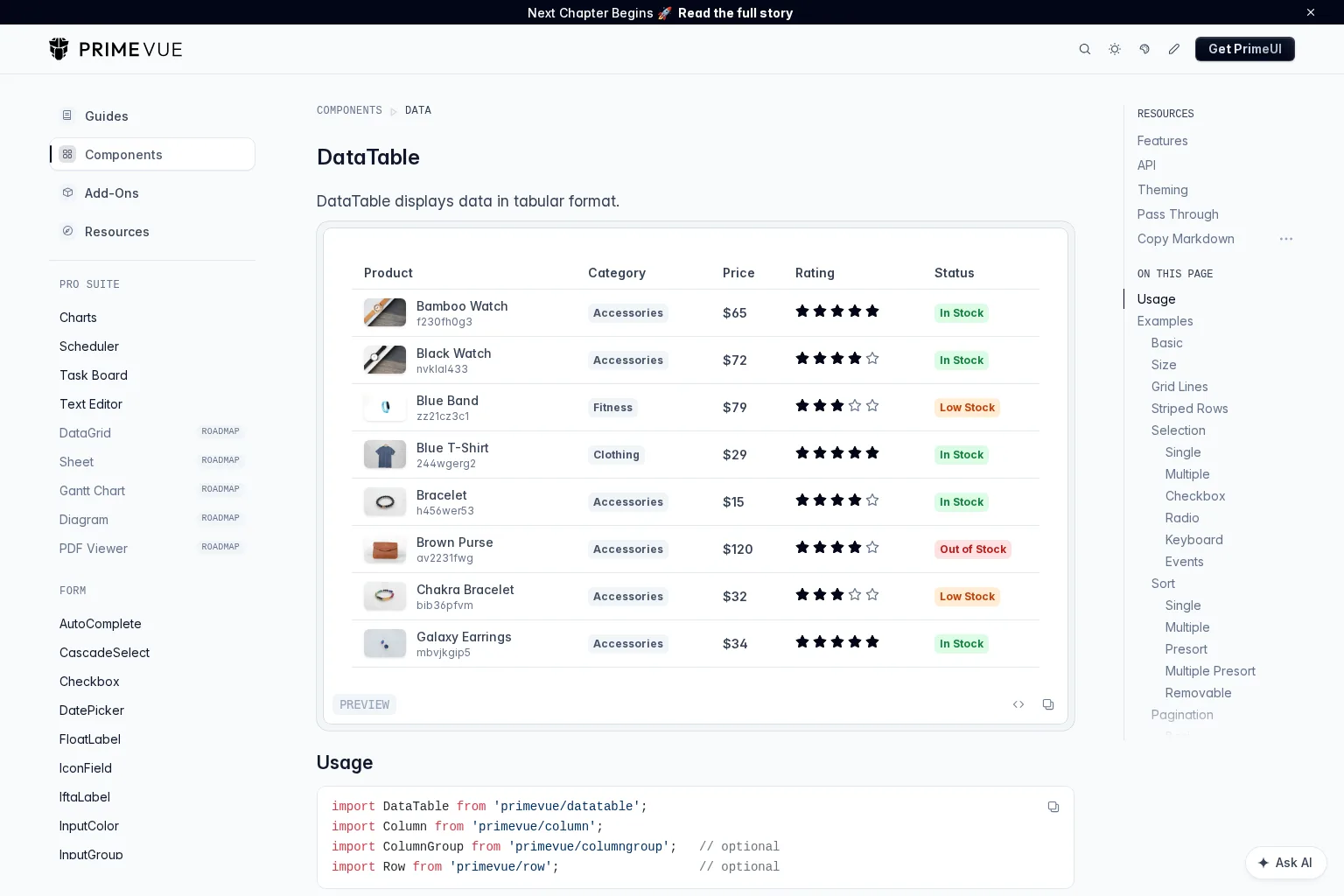
Best use case: An admin application that already uses PrimeVue’s components and theme. A cohesive suite can make table filters, inputs and surrounding forms easier to style together than a standalone grid bolted onto a different design system. Prototype a custom filter and a save error state, then check keyboard selection with your own interactive cell templates. PrimeVue’s repository licence is MIT; evaluate optional commercial products separately.
Trade-off: DataTable covers many table workflows, but do not assume that every spreadsheet interaction or specialized grid operation is included. Choose it when integration with an existing PrimeVue application and template-based customization outweigh spreadsheet-specific requirements.
4. TanStack Table: Best for full markup and styling control
TanStack Table describes itself as a headless engine with a Vue adapter, not a finished grid UI. It provides table state and data-processing logic while we render the markup, design the cells, and implement the interaction that our product requires. That distinction makes it attractive for a highly specific design system, including an app built from editable primitives.
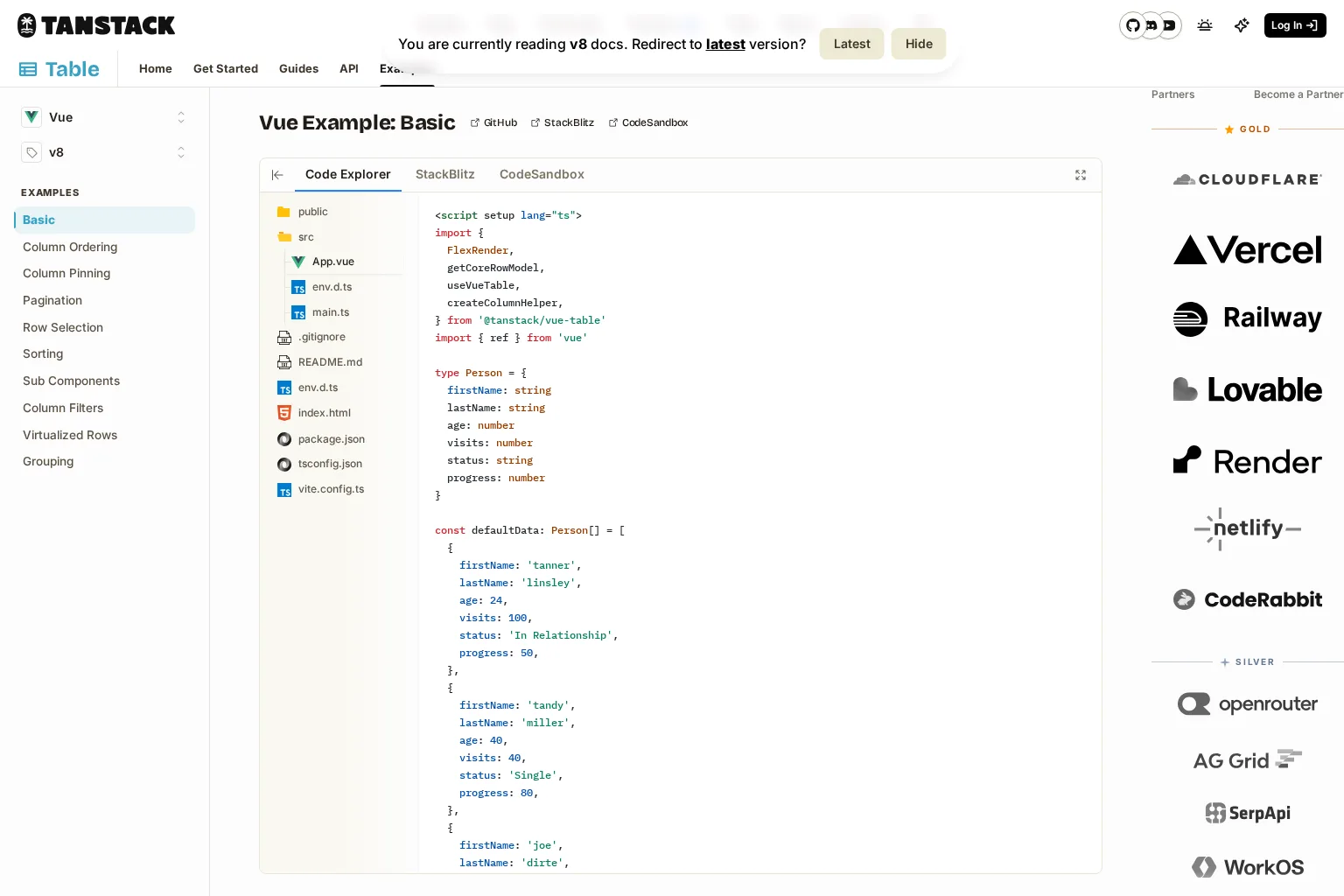
Best use case: A team that wants precise control over the table surface and accepts responsibility for its visual and keyboard behavior. We would use a version-specific Vue example to evaluate the adapter, then check its current version before adopting an API. The v8 virtualization guide explicitly says virtualization is not built into TanStack Table itself; it can be composed with a virtualizer. A row model is not a ready-made spreadsheet editor, remote query client, or accessible arrow-key grid.
Trade-off: More ownership means more implementation and testing time. The accompanying independent video below walks through TanStack Table for Vue, but it uses an earlier API, so treat it as orientation rather than current installation instructions. Choose it when custom markup and ownership are requirements, not merely because a small initial demo looks simple.
5. RevoGrid: Best for wide, virtualized spreadsheet-like views
RevoGrid’s Vue 3 guide documents a wrapper around its Web Component, reactive columns and source data, custom Vue cell renderers and editors, and events for edit and focus workflows. Its quick start describes virtual rows and columns, selection, editing, filtering and pinning. These characteristics warrant a trial when horizontal breadth and direct cell manipulation dominate the UI.
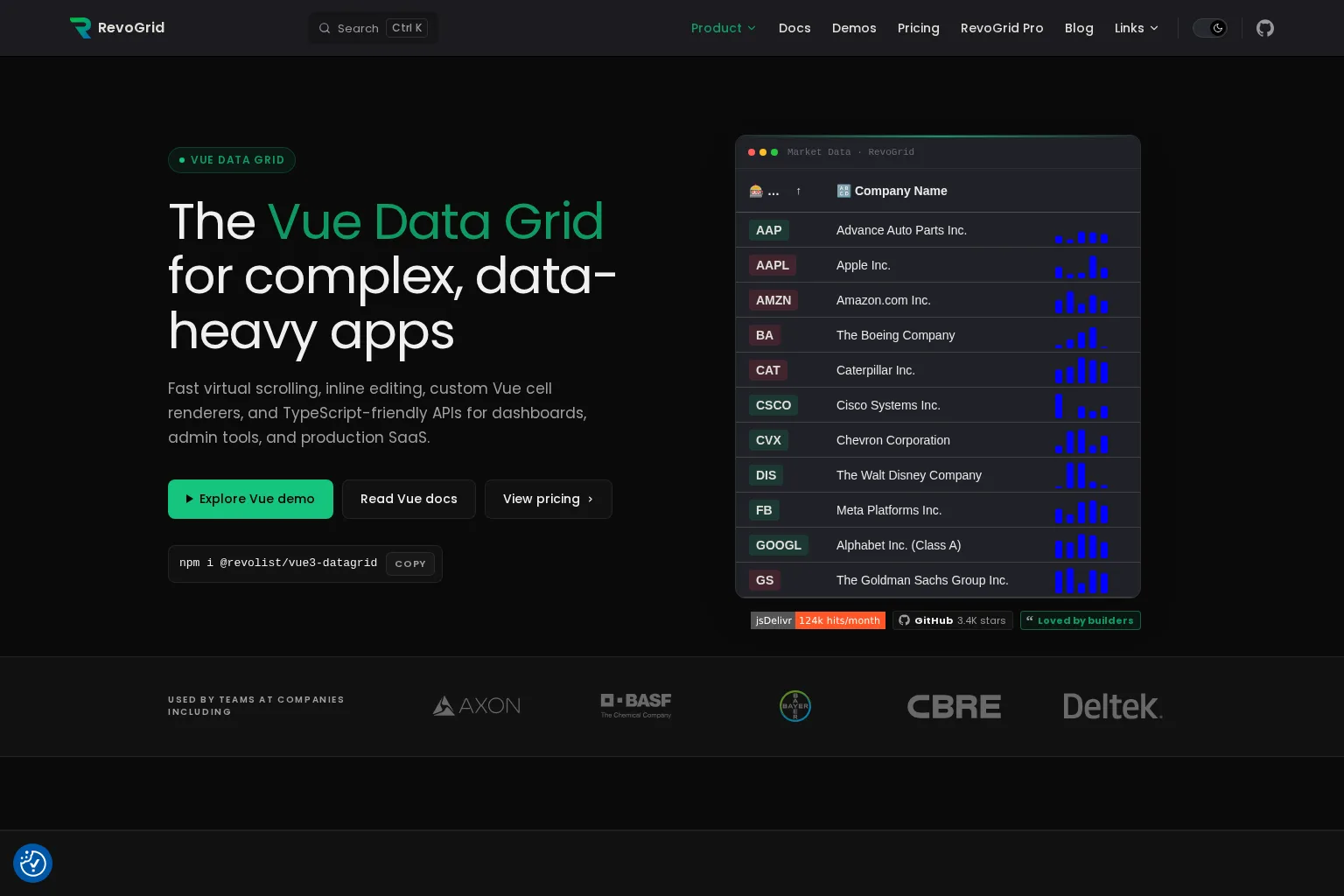
Best use case: Large, dense grids that need a spreadsheet-like feel without making Vue teams build virtual rendering from scratch. Test a custom editor in the actual app shell and confirm where keyboard focus returns after an update. The Vue integration guide notes that the grid depends on browser APIs, so SSR projects need client-side rendering or guarded loading.
Trade-off and terms: A Web Component core is portable, but integration with Vue templates, theme tokens and server state still deserves a proof of concept. The core quick start identifies an MIT licence; RevoGrid’s pricing page presents separate Pro licensing. Choose it when virtualization and editing are fundamental, after confirming whether your required feature belongs to the core or Pro tier.
6. Handsontable: Best when users expect a spreadsheet
Handsontable’s Vue grid page positions the component around spreadsheet-style editing, navigation, sorting and filtering, with Vue support and TypeScript definitions. A team whose users already think in cells and sheets should prototype this experience before forcing a conventional admin table to imitate it.
Best use case: A planning, finance or data-entry workflow in which keyboard speed and spreadsheet conventions drive adoption. Put the real validation rule, paste operation and formula requirement into the proof of concept. Verify the formula engine and any associated entitlement against the particular package and agreement you intend to use, rather than assuming every feature follows from the landing page.
Trade-off and terms: Its spreadsheet interaction model may be excessive for a simple customer list. The Handsontable licence-key documentation distinguishes commercial from non-commercial and evaluation usage; the latter is not blanket permission for a production commercial application. Choose it when spreadsheet behavior is the core product requirement and its licence fits deployment.
Decision matrix: Which should we prototype first?
| Your primary constraint | Start with | Prove in the trial |
|---|---|---|
| Editable source and typed filters inside a product UI | DOM Studio DomDataGrid | Copy-source workflow, custom filter, API query and edit expectations |
| Broad ready-made enterprise grid capabilities | AG Grid | Exact Community/Enterprise feature boundary and server-row behavior |
| A grid within an existing PrimeVue application | PrimeVue DataTable | Template customization, editing, theming and keyboard selection |
| Full ownership of markup and visual design | TanStack Table | Total cost of focus, editing, virtual rendering and testing |
| Wide virtualized rows and spreadsheet-like interaction | RevoGrid | Vue cell editors, client-only setup and core/Pro split |
| Spreadsheet-first data entry | Handsontable | Paste, formulas, validation and commercial entitlement |
This is a starting order, not a ranking by measured speed or accessibility. Compare finalists using the same dataset and tasks.
Run a fair production proof of concept
Give two finalists a representative account dataset with date, numeric and select columns; at least one editable field; a permission-dependent action; a filter that should apply to the entire dataset; and a slow API response. Implement the same screen in a production build. Include an empty result, a rejected save, an expired session and a narrow viewport. Record developer time to reach a working workflow, the number of custom adapters or overrides, and any behavior you still need to own.
Next, use only a keyboard: sort, move across the relevant cells or controls, edit and cancel, open an action menu, and regain focus after filtering. The W3C grid pattern requires the author to manage focus within an interactive grid; merely assigning a grid role is not enough. Test with the screen readers and browsers you support. Confirm that selection tracks record IDs, not viewport indexes, and that a stale server response cannot overwrite a newer query. If the grid virtualizes rows, also test focus when the active row scrolls out of view; our Vue virtualization guide offers a deeper implementation checklist.
For the commercial review, write down the deployed feature set, number of developers, support needs and permissible use under the current licence. Involve the people who will maintain the grid after the first release. A polished demo can conceal the cost of one unusual editor or one difficult upgrade.
FAQ
Is a Vue data table the same as a Vue data grid?
Not necessarily. Both present tabular data, but an interactive grid may offer cell-level keyboard navigation, editing and selection with a different focus contract. Decide by the interaction users need, not the product’s label. The W3C grid pattern distinguishes a composite grid from an ordinary table.
Does virtualization replace server-side pagination?
No. Virtualization limits what is rendered; server-side pagination limits what is retrieved. A large browser-resident array can still be expensive to transfer or filter. Decide which layer owns the query before testing scroll performance. See our virtualized-table guide for the practical boundary.
Which option is easiest to customize visually?
If we want to author the entire markup, TanStack Table provides the most direct control because it is headless. If we want an existing grid with source we can adapt, our DomDataGrid is a different kind of control. Neither choice removes the work of designing and testing the final interface.
Build one real grid before deciding
Start with the workflow that is hardest to change later: editing, permissions, server filtering, or keyboard movement. If source ownership and typed filters matter, try the DOM Studio data grid examples against that workflow. If your needs demand pivoting, spreadsheet formulas or an existing suite’s theming, use the comparison above to prototype the specialist instead. We would rather discover a mismatch in a small trial than inside a shipped application.
Sources
- DOM Studio: DomDataGrid documentation and demos
- DOM Studio: installation and source ownership
- AG Grid: Community versus Enterprise
- PrimeVue: DataTable documentation
- PrimeVue: repository licence
- TanStack Table: overview
- TanStack Table: Vue v8 example
- TanStack Table: v8 virtualization guide
- RevoGrid: Vue 3 guide
- RevoGrid: quick start and core features
- RevoGrid: Pro pricing overview
- Handsontable: Vue data grid
- Handsontable: licence keys and usage
- W3C WAI-ARIA Authoring Practices: Grid pattern
- DOM Studio: Virtualized Table in Vue
Recommended Reads
- Virtualized Table in Vue: Build Fast Rows Without Losing Grid Interactions: A focused guide to row windows, identity and focus.
- Production Vue Components: Architecture, Quality, and Release Readiness: A wider checklist for components that must survive real application workflows.